Author: Skylar Denesovych

  • 10 Essential Elements For Crafting A Compelling Story

    10 Essential Elements For Crafting A Compelling Story

    Storytelling isn’t just entertainment, it’s how humans make sense of the world. Long before data, charts, or written history, stories were how people passed down meaning. Our brains are wired to understand life through narrative, which is why stories don’t just inform us, they change us.

    When you hear a story, your brain doesn’t stay passive. It simulates the experience. You feel tension when a character struggles. You feel relief when they survive. Stories activate the same emotional and sensory regions as real life.

    That’s why one story can change a mind faster than a page of facts.

    Finding the Core

    Every story needs a spine. Without it, everything feels loose and forgettable.

    The core isn’t the plot. It’s the meaning.

    Ask yourself:

    – What should someone feel?

    – What should they rethink?

    – What should change inside them?

    This becomes your story’s gravity. Every scene should either move closer to it or deepen it. If something doesn’t serve that core, it weakens the whole structure.

    Intent gives stories power. Whether you aim to inspire, warn, comfort, or challenge, clarity of purpose shapes every choice you make.

    Characters Carry Emotion

    People don’t fall in love with stories, they fall in love with people inside them.

    Relatable characters aren’t perfect. They want things. They fail. They doubt. They change. Audiences connect when they see pieces of themselves reflected—fear, hope, regret, courage.

    Strong characters have:

    – Desires that drive them

    – Flaws that slow them

    – Choices that define them

    – Change that proves the journey mattered

    Even in fantasy or sci-fi, emotional realism is what makes a character believable

    Structure Is Emotional Rhythm

    Structure isn’t about rules, it’s about feeling.

    Good stories move like music:

    – A beginning that invites

    – A middle that pressures

    – A climax that confronts

    – An ending that transforms

    Tension keeps people leaning forward. Conflict isn’t just fights, it’s friction between what a character wants and what stands in the way. Each obstacle deepens emotional investment.

    Structure exists to guide emotion, not cage creativity.

    Authenticity Is Invisible Power

    Audiences can sense honesty. Even in fiction, emotional truth matters more than factual truth.

    Stories become powerful when they carry:

    – Real fear

    – Real longing

    – Real loss

    – Real hope

    You don’t need to tell your own life, but you must tell real feelings. Authenticity builds trust. Trust lets audiences feel safely inside your story.

    Editing Makes Meaning Sharp

    First drafts are discovery. Editing is precision.

    Editing asks:

    – What actually matters here?

    – What distracts from the heart?

    – What weakens clarity?

    Cutting isn’t loss, it’s focus. The clearer the path, the stronger the emotional impact.

    A great story doesn’t say more.

    It says exactly what needs to be felt and nothing else.

    FAQs: Storytelling Psychology

    What is storytelling psychology?
    How stories affect the brain, emotions, and behavior.

    Why are stories more powerful than facts?
    Because they make people feel, not just understand.

    How do stories change behavior?
    They shape beliefs, empathy, and motivation.

    What makes a story emotionally strong?
    Relatable characters, real stakes, honest emotion.

    Why do characters matter so much?
    They carry the audience’s emotional experience.

    Why is structure important?
    It guides emotional flow.

    What does authenticity mean?
    Emotional truth, even in fiction.

    How does editing help?
    It removes noise and sharpens meaning.

    Can anyone learn storytelling?
    Yes. It’s a skill built through clarity and emotion.

    Why do humans love stories?
    Because stories explain life in a way facts never can.
  • If You Can’t Draw it, You Don’t Understand It

    If You Can’t Draw it, You Don’t Understand It

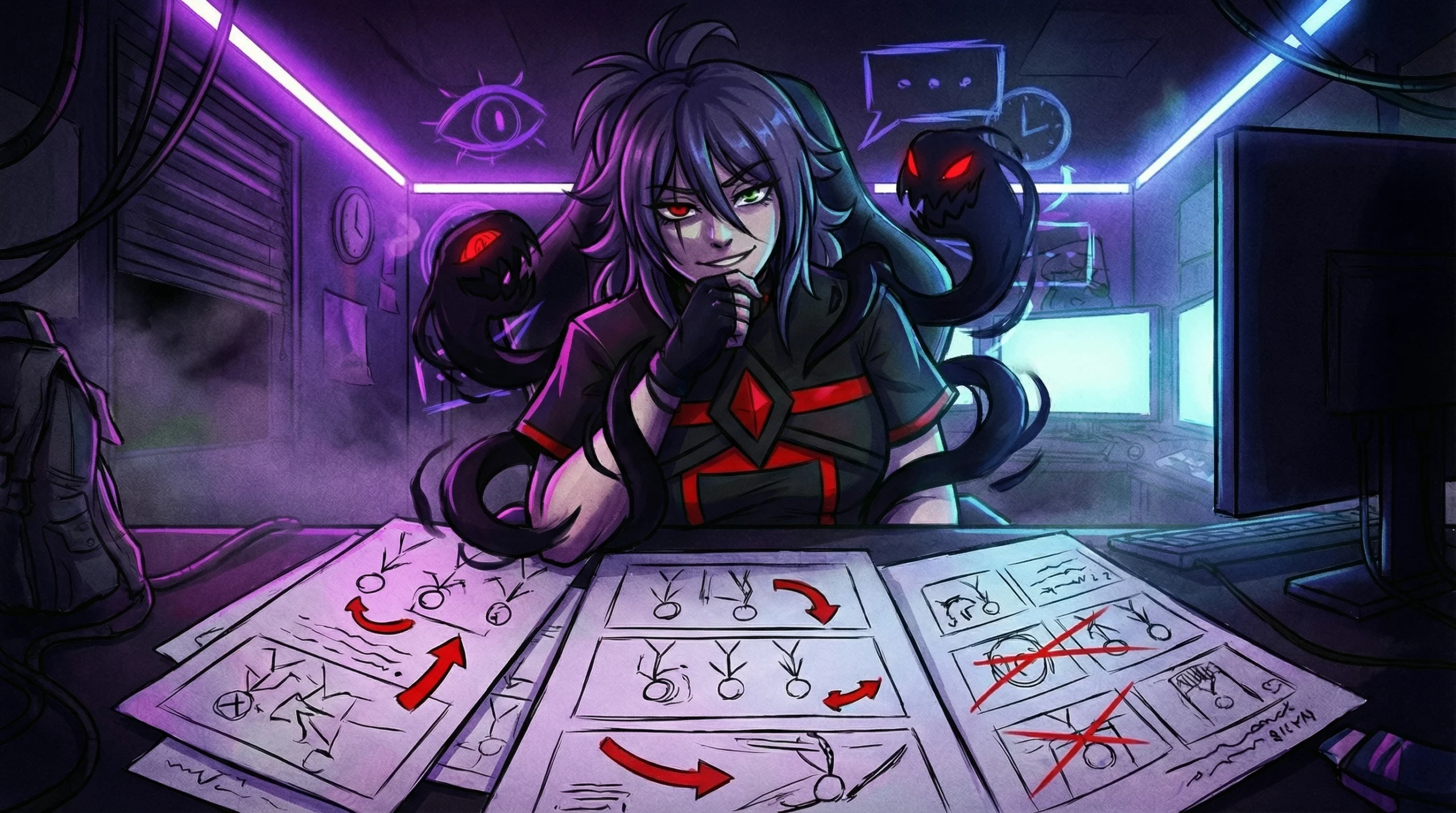
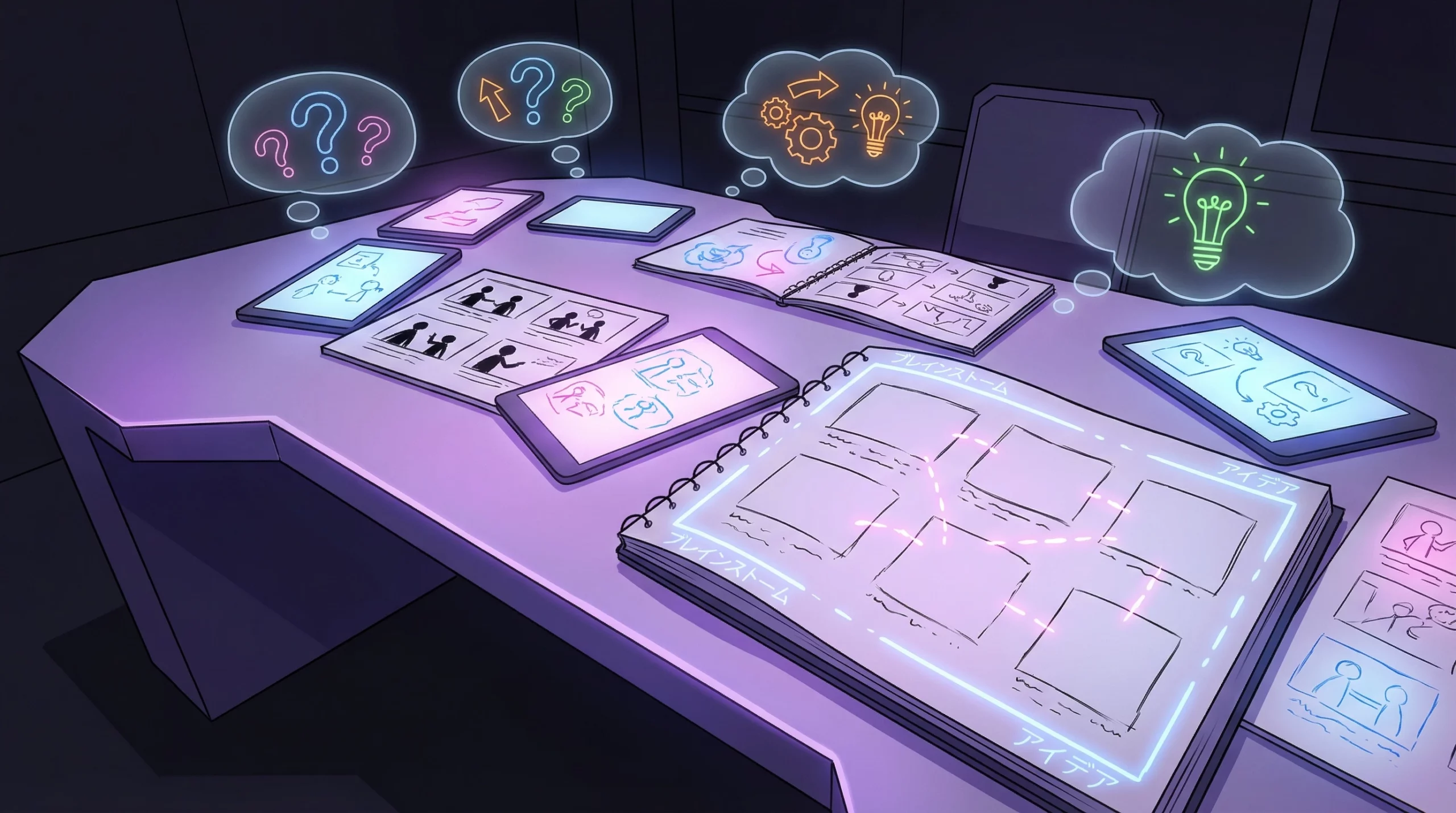
    Most people think storyboarding is about planning. It’s not. It’s about exposure.

    The moment you try to draw your idea—even as three ugly boxes—it stops hiding. Weak ideas collapse. Confusing ideas tangle themselves. Empty ideas suddenly feel loud and awkward on the page.

    Storyboarding isn’t a tool. It’s a lie detector. If your story only works in your head, that’s not a story. That’s a vibe. And vibes don’t survive contact with reality.

    Three Boxes Tell the Truth

    You don’t need talent to storyboard. You need honesty.

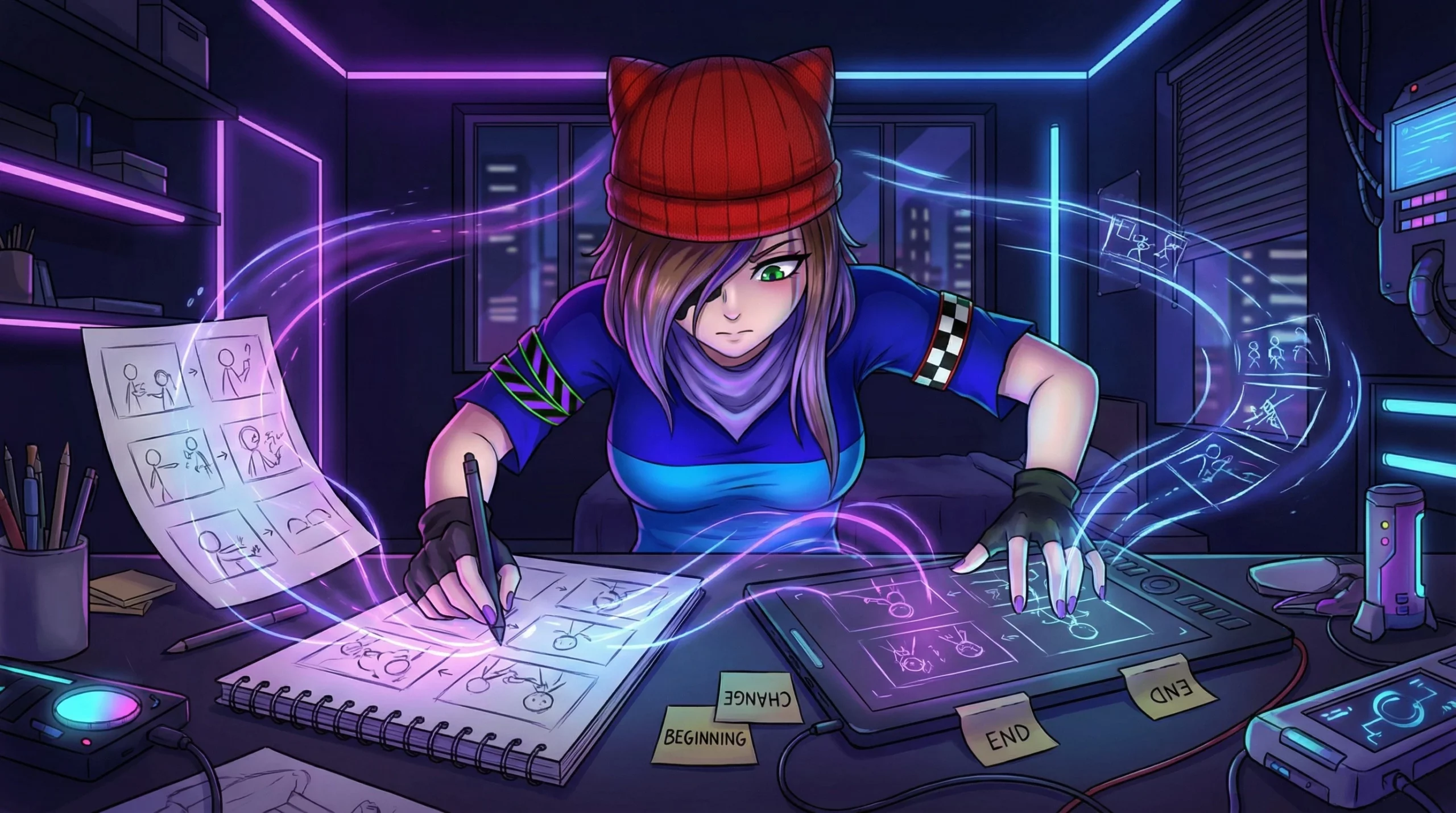
    Take any idea you think is “good.” Now draw three frames:

    1. What starts it

    2. What changes

    3. What ends

    If you freeze, the problem isn’t your drawing. It’s your thinking.

    People hide behind detail. But when you strip it down to three moments, there’s nowhere to hide. Either something happens—or it doesn’t.

    Detail Is Often a Disguise

    Beginners think detail equals depth. It doesn’t.

    Detail is often what you use when the core is weak.

    If you need ten panels to explain what one moment means, the moment isn’t clear. If you need notes to explain emotion, the emotion isn’t working. If you need dialogue to carry the scene, the scene has no spine.

    Strong ideas survive being drawn badly. Weak ideas need to be dressed up.

    Storyboarding Exposes Pacing

    When you draw your idea, time becomes visible.

    You see where nothing is happening, where too much is happening, where emotion is rushed, and where tension never forms.

    In your head, everything feels dramatic. On paper, most of it feels empty.

    That’s not failure. That’s information.

    The Beginner Trap: Making It “Look Right”

    New creators focus on making boards look good. Wrong goal.

    Your storyboard should be ugly and honest, not pretty and fake. Messy lines are fine. Stick figures are fine. Confusing boxes are fine.

    What’s not fine is hiding confusion behind style.

    If you don’t know what’s happening in your own frame, no one else will either.

    Storyboards Don’t Build Stories — They Reveal Them

    You don’t use storyboards to invent meaning. You use them to test whether meaning already exists.

    They show you what you understand, what you’re pretending to understand, and what only works because you’re being generous to yourself.

    The page is not kind. It doesn’t assume. It doesn’t fill gaps. It just shows what’s there.

    The Real Skill Isn’t Drawing — It’s Seeing

    Storyboarding trains one thing above all: the ability to look at your own idea and say, “No. That doesn’t work.”

    Not because someone told you—because you can see it fail.

    That’s the shift. Not learning how to storyboard—learning how to stop lying to yourself about your ideas.

    FAQs: Storyboarding as a Thinking Tool

    What is storyboarding really for?
    It exposes whether your idea actually makes sense when turned into images.

    Do I need to draw well to storyboard?
    No. If the idea works, it survives ugly sketches.

    Why does my idea feel good in my head but fail on paper?
    Your brain auto-fills gaps. Paper doesn’t.

    How many panels should a beginner use?
    Start with three: beginning, change, end.

    What does storyboarding teach beginners?
    Clarity, pacing, and honesty.

    Why do my storyboards feel boring?
    Because nothing is changing.

    Is storyboarding only for animation or film?
    No. It works anywhere ideas move through time.

    What’s the biggest beginner mistake?
    Making it look good instead of making it make sense.

    How does storyboarding improve creativity?
    It replaces fantasy thinking with visual truth.

    When should I storyboard an idea?
    As soon as you think it’s “good.” That’s when it’s most likely lying to you.

  • Behind The Scenes: 16 Hours Of Creation On Ibis Paint

    Creating art is a deeply personal journey, and my latest piece—a 16-hour digital masterpiece crafted on ibis Paint—is a testament to patience, creativity, and exploration. This project was not just about creating something visually stunning but also about pushing the boundaries of what this versatile app can do. Whether you’re a seasoned artist or a curious beginner, this article takes you behind the scenes of my process, shares insights about ibis Paint, and invites you to experience the app for yourself.

    What Is ibis Paint and Why Use It?Ibis paint x

    ibis Paint is a game-changer in the world of digital art. It’s an intuitive app packed with professional-grade features, catering to both casual hobbyists and professional creators. Its versatility and user-friendly design make it a go-to platform for everything from simple sketches to intricate animations.

    Key Features of ibis Paint:

    • Brush Variety: Over 15,000 customizable brushes, including my favorites like Pen Dip (Hard), Felt Tip Pen (Hard and Soft), and Diamond (Real Top).
    • Layer Management: Create, edit, and organize layers with folders for easy workflow.
    • Timelapse Recording: A built-in feature that lets you relive your creative journey.
    • Blending Tools: Smudge and Blur brushes for seamless transitions.
    • Stabilizers: Perfect for smooth, clean line work.

    Whether you’re starting small or tackling a complex project, ibis Paint provides the tools you need to make your vision a reality.

    The Inspiration Behind My 16-Hour Artwork

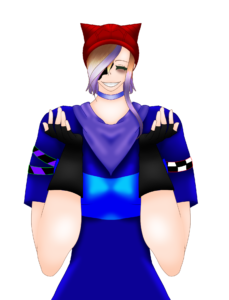
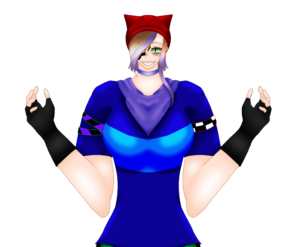
    Oc baseEvery project starts with a spark of inspiration, and for me, it was the idea of creating something dynamic that would shine in a video format. I envisioned this piece as not just a standalone artwork but as the foundation for an animation experiment—using only ibis Paint.
    My Step-by-Step Process

    Creating this piece was an exciting challenge. Here’s how I brought it to life:

    1. Sketching the Foundation
      I started with the Pen Dip (Hard) tool to sketch the initial shapes and outlines. This stage was all about defining the composition and setting the tone for the piece.
    2. Adding Details and Refinements
      Using the Felt Tip Pen (Hard) for both drawing and erasing, I added intricate details and textures. The Diamond (Real Top) brush came in handy for adding depth and a unique finish.
    3. Blending and Polishing
      To bring everything together, I used the Smudge Brush (Frizzily Pen) and Blur Brush (Felt Tip Pen Soft) to smooth transitions and create a polished look. These tools added life and dimension to the piece.
    4. Organizing Layers
      Managing multiple layers was crucial for this project. By organizing them into folders, I was able to keep my workflow streamlined and focus on specific elements without getting overwhelmed.
    5. Reliving the Process
      One of the most rewarding parts of this project was watching the timelapse. Seeing every stroke and decision unfold in just a few minutes was like watching the story of my artwork come to life.

    Challenges and BreakthroughsMy oc

    Every creative process comes with its own set of challenges. For this project, managing numerous layers and ensuring a seamless workflow tested my organizational skills. Thankfully, ibis Paint’s folder system helped me overcome this hurdle.

    I also ventured into new territory by attempting to animate the artwork without using a dedicated animation app. To my surprise, it worked! This experiment has inspired me to explore animation further and consider creating a series based on this concept.

    How You Can Get Started With ibis Paint

    If you’re curious about ibis Paint and want to try it for yourself, here’s how you can get started:

    1. Download the App: Available on iOS and Android.
    2. Explore Brushes: Test tools like Pen Dip and Felt Tip Pen to find what suits your style.
    3. Experiment With Layers: Organize your work into layers for better control.
    4. Record a Timelapse: Capture your process and share it with others.
    5. Try Animating: Push your creativity by experimenting with movement within your artwork.

    ibis Paint’s free version offers plenty of features, but upgrading to premium unlocks even more possibilities, like additional brushes and ad-free use.


    The Final Result and What’s Next

    My ocAfter 16 hours of dedication, I’m thrilled with the final result. It’s a piece that reflects not just my technical skills but also my passion for storytelling through art. Moving forward, I’m excited to create more animation-based videos and explore new ways to push the boundaries of ibis Paint.
    Call-to-Action

    Have you tried ibis Paint before? What’s your favorite feature, or what would you like to learn about digital drawing? Share your thoughts in the comments below, and don’t forget to check out my YouTube channel for a timelapse video of this piece in the making! 

    >> WATCH VIDEO HERE <<

  • Storyboarding For Different Types Of Animation

    Storyboarding For Different Types Of Animation

    Storyboarding isn’t a single skill that transfers cleanly between animation styles. It’s a way of thinking that shifts depending on the medium. The drawings might look similar on the surface, but the mental questions behind them change completely.

    Each animation style forces you to think differently about motion, space, and how an audience processes information. Understanding these shifts is what turns storyboards from simple planning tools into creative decision-makers.

    2D Animation: Thinking in Rhythm and Emotional Clarity

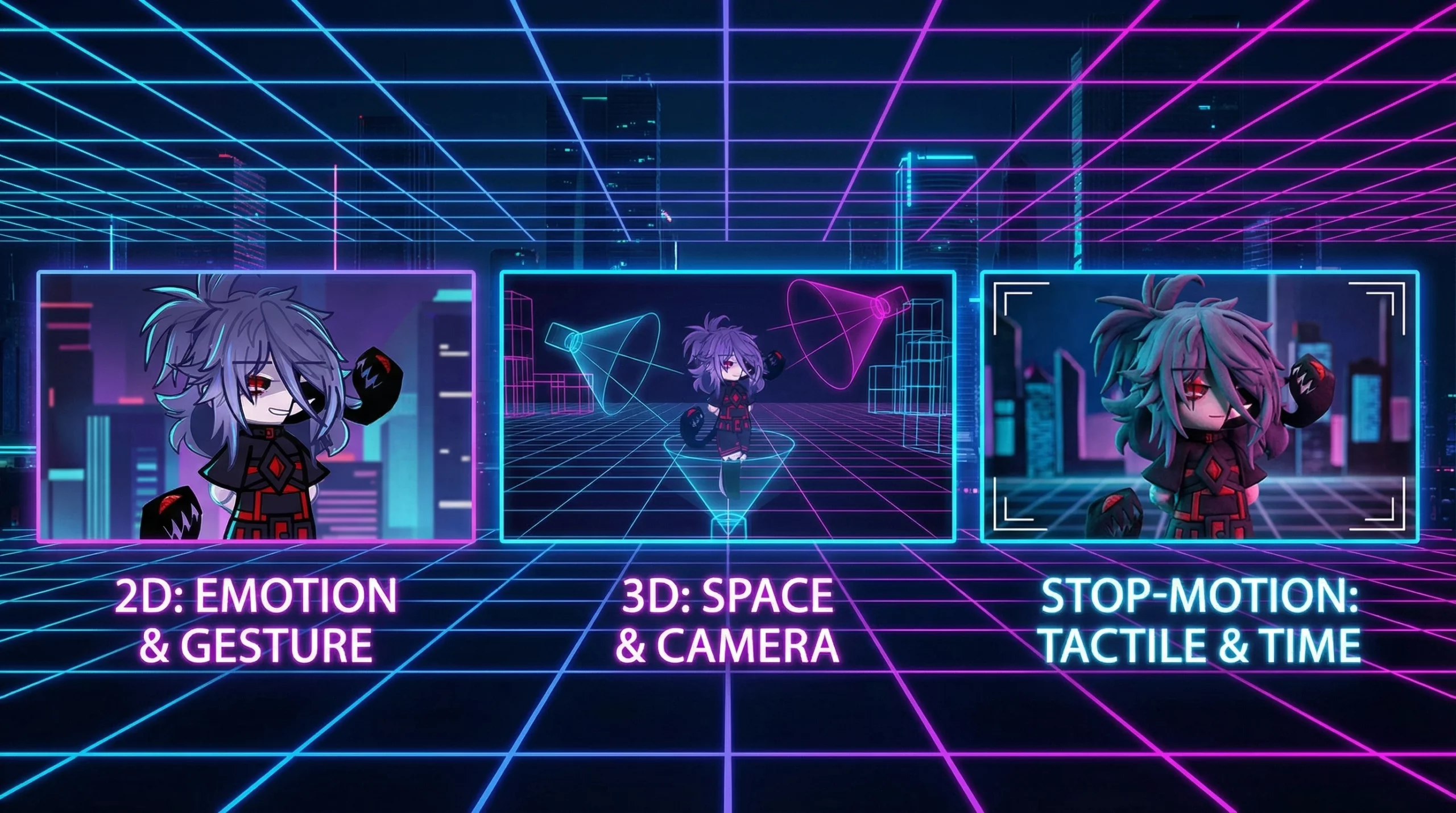
    In 2D animation, storyboarding is about reduction. You’re not trying to recreate reality—you’re compressing it into readable visual ideas.

    Every panel asks one core question: Is this moment instantly understandable? Characters become symbols, poses become emotional shorthand, and silhouettes carry more weight than detail.

    Timing is elastic in 2D. Actions stretch, reactions snap, and emotion is exaggerated to communicate clearly. Storyboard thinking here is editorial—cutting, simplifying, and distilling scenes until only the strongest beats remain.

    3D Animation: Thinking in Space and Viewer Orientation

    3D storyboarding shifts the focus from symbols to structure. Instead of designing moments, you’re designing paths through space.

    Camera position becomes narrative language. Where the viewer stands, how they move through a scene, and what’s revealed through motion all affect emotional impact.

    This mindset is predictive. A 3D storyboard artist mentally simulates scenes in depth, correcting spatial issues before they exist. Every choice is about clarity, scale, and perspective—not decoration.

    Stop Motion: Thinking in Physics and Micro-Decisions

    Stop motion storyboarding demands the most discipline. Nothing is implied. Every action must physically happen.

    The thinking becomes granular—frames, inches, weight, balance. You anticipate resistance from materials, gravity, and real-world limitations.

    Storyboards act as decision maps rather than loose guides. Ambiguity becomes a liability, and clarity becomes survival. Each panel locks intent so continuity doesn’t collapse later.

    Why Medium-Specific Thinking Matters

    The biggest mistake storyboard artists make is assuming one approach fits all animation styles. It doesn’t.

    2D rewards emotional clarity.
    3D demands spatial logic.
    Stop motion requires physical foresight.

    When storyboard thinking aligns with the medium, the storyboard stops being a plan and starts shaping the story itself—long before animation begins.

    FAQs: Storyboarding Across Animation Mediums

    What is the main difference between 2D and 3D storyboarding?
    2D focuses on emotional readability and simplified visuals, while 3D emphasizes space, camera logic, and depth.

    Why is stop motion storyboarding more rigid?
    Because real objects and physics are involved, every movement must be planned precisely to avoid continuity issues.

    Can the same storyboard style work for every animation medium?
    No. Each medium requires a different way of thinking about motion, space, and storytelling.

    Is drawing skill the most important part of storyboarding?
    No. Clear thinking and decision-making matter more than polished drawings.

    Why does camera placement matter so much in 3D storyboards?
    Camera position directly affects how scale, emotion, and story information are perceived.

    How does medium-specific storyboarding improve storytelling?
    It allows the story to use the strengths of the animation style instead of fighting against its limitations.

  • Common Storyboarding Mistakes To Avoid

    Common Storyboarding Mistakes To Avoid

    For beginners, storyboarding often feels intimidating because it’s mistaken for a technical skill instead of what it really is: a way to think visually. You’re not supposed to know the answers before you start. Storyboarding exists to help you discover them.

    At its core, a storyboard is a thinking surface. It pulls ideas out of your head and puts them somewhere you can examine them honestly. The roughness of the drawings isn’t a flaw—it’s the point. Confusion, imbalance, and weak moments show up quickly when ideas are forced onto the page.

    Once beginners understand this, storyboarding stops being about talent and starts being about clarity.

    Learning to See Your Own Confusion

    Most beginner struggles don’t come from a lack of creativity. They come from not recognizing when something isn’t working. Storyboards make uncertainty visible.

    When a sequence feels flat on the page, it’s rarely a drawing problem. It’s a thinking problem. Beginners often try to fix this by adding detail instead of asking what the moment is meant to accomplish.

    The real skill is learning to pause and ask simple questions: What changed? What mattered here? What did this moment add?

    Why Over-Detailing Slows Growth

    Detail feels productive, but for beginners it often acts as camouflage. Extra expressions, dramatic angles, and busy backgrounds can hide uncertainty rather than solve it.

    If a frame can’t be explained in one clear sentence, no amount of polish will save it. Clean thinking always outperforms impressive visuals at this stage.

    Reducing a frame to its purpose sharpens storytelling far faster than refining its aesthetics.

    Thinking in Change, Not Images

    Beginners often judge a storyboard panel in isolation. Strong visual storytelling happens between panels, not inside them.

    Meaning comes from contrast and progression. Emotion shifts. Power changes. Direction evolves. When nothing changes from one frame to the next, the sequence stalls.

    Training yourself to track transitions instead of images is one of the fastest ways to improve visual clarity.

    Emotion Comes Before Composition

    Shots can be visually correct and still feel wrong. That’s usually because emotional logic was ignored.

    Ask what the audience should feel in each moment and how that feeling evolves. When emotional intent is clear, composition and pacing tend to solve themselves.

    For beginners, emotion is a stronger guide than camera rules.

    Iteration Is the Skill

    Many beginners secretly hope their first storyboard pass will be “the good one.” When it isn’t, frustration follows.

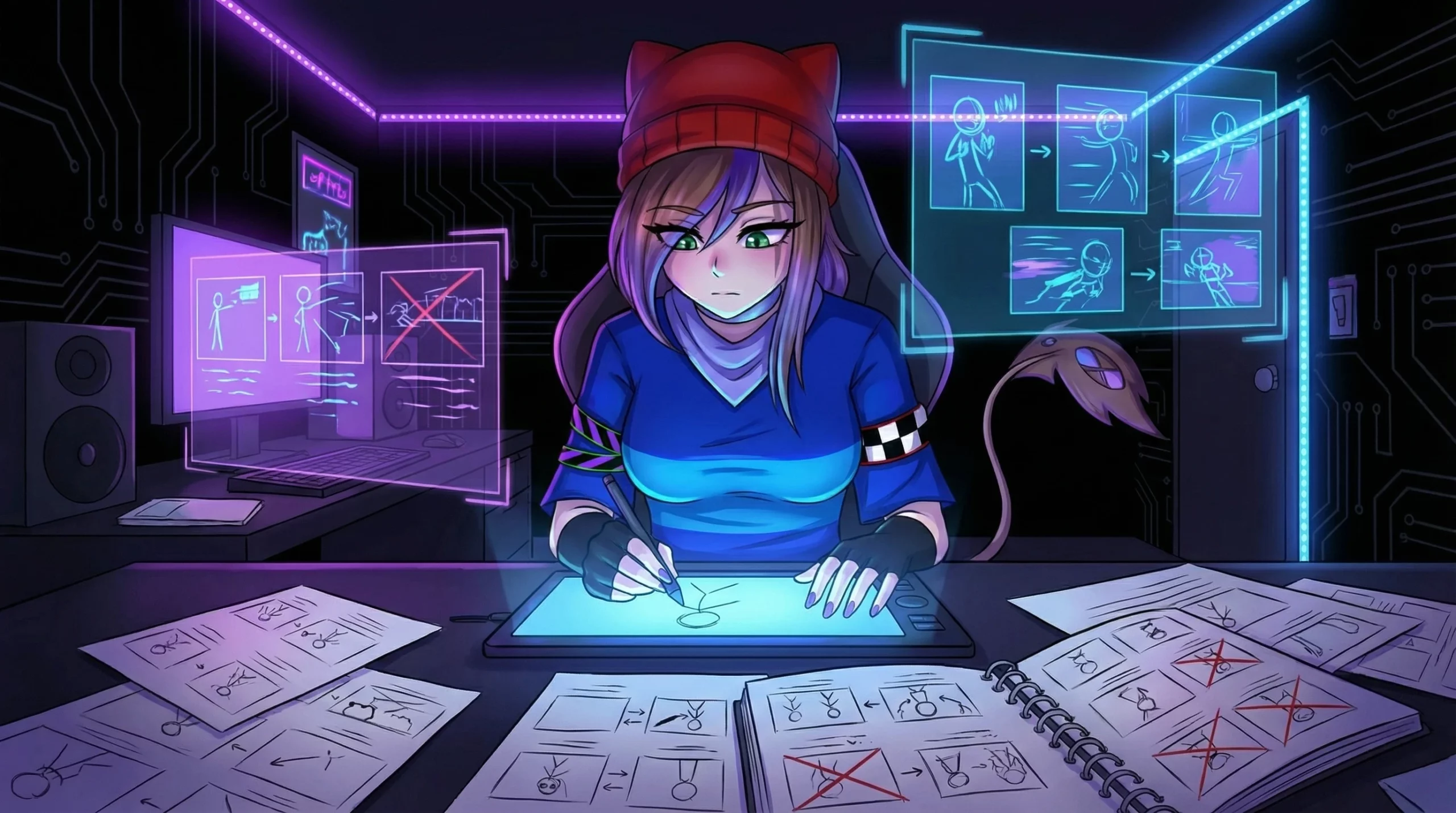
    Iteration isn’t failure—it’s the process functioning correctly. Each redraw replaces uncertainty with understanding.

    Progress accelerates when you stop protecting early ideas and start replacing them without hesitation.

    FAQs: Beginner Storyboarding & Visual Thinking

    What is storyboarding for beginners?
    It’s a visual thinking tool used to explore ideas, test clarity, and understand how moments connect—long before worrying about polish.

    Why do beginner storyboards feel unclear?
    Because they expose unresolved ideas. The confusion already existed; the storyboard simply reveals it.

    Do beginner storyboards need detailed drawings?
    No. Simple sketches are more effective because they emphasize clarity and intent over aesthetics.

    What’s the most common beginner mistake?
    Trying to make frames look impressive instead of using them to test whether the idea works.

    How does storyboarding improve creative thinking?
    It externalizes ideas, making weak transitions and emotional gaps visible and fixable.

    Is redrawing storyboards a bad sign?
    Not at all. Frequent revision is a sign of learning and sharper visual thinking.

    Is storyboarding about planning or discovery?
    For beginners, it’s primarily about discovery—finding clarity through exploration.

  • Tips For Improving Your Storyboarding Skills

    Tips For Improving Your Storyboarding Skills

    Storyboarding doesn’t start with drawing skills — it starts with thinking. At its core, it’s a way to train your brain to see moments instead of sentences. Beginners often get stuck trying to “draw well,” when the real skill is learning how to break an idea into clear visual beats.

    If your boards feel awkward or messy, that’s not failure — it’s proof you’re learning. Storyboarding is meant to be rough. It’s closer to visual note-taking than illustration. The goal is to capture intent: who’s acting, what’s changing, and where the viewer’s attention should go.

    Learning to Think Visually

    Beginner storyboard artists often think in words first. They imagine dialogue, explanations, or internal thoughts. Visual thinking flips that process. You ask: what does this moment look like if no one speaks?

    Strong visual thinking focuses on change. A character entering a space, a shift in emotion, a sudden action — these moments translate naturally into panels. If nothing changes from one frame to the next, the storyboard will feel stiff.

    A helpful exercise is to imagine freezing a scene at its most important instant. That single frozen moment is often more powerful than a fully explained sequence.

    Common Beginner Mistakes (And Why They’re Normal)

    One of the biggest beginner traps is over-detailing. Spending too long perfecting a frame kills momentum and confidence. Storyboards thrive on speed and clarity, not polish.

    Another mistake is drawing poses instead of actions. A character standing still rarely tells a story. Even subtle motion — leaning, turning, reaching — adds life and intention.

    Beginners also tend to judge their work too early. A rough storyboard isn’t a finished product. It’s a thinking tool. If it feels uncomfortable, it’s doing its job.

    Mindset Over Mechanics

    The most important skill in beginner storyboarding isn’t technique — it’s permission. Permission to be messy, fast, and experimental. Every loose board strengthens your instincts, even if it never gets shown to anyone else.

    Quantity beats perfection. Making many small, imperfect boards teaches more than polishing a single sequence. Each attempt trains your sense of timing, framing, and visual clarity.

    Treat storyboarding like exploration, not performance. You’re not proving skill — you’re discovering how ideas translate into images.

    FAQs: Storyboarding for Beginners

    What is storyboarding for beginners?
    Storyboarding for beginners is a way to practice visual thinking by breaking ideas into simple moments and actions, not finished drawings.

    Do I need to be good at drawing to storyboard?
    No. Simple shapes and rough sketches work as long as the idea is clear.

    What is the biggest mistake beginners make in storyboarding?
    Trying to make each frame look perfect instead of focusing on movement and intent.

    How do I improve my visual thinking?
    Practice imagining scenes in motion and capturing key moments quickly.

    Why do beginner storyboards feel stiff?
    They focus on posing rather than change, action, or emotional shifts.

    Should beginners focus on detail?
    No. Clarity and simplicity matter far more than detail.

    Is it okay to redo or abandon storyboards?
    Yes. Redrawing and discarding boards is part of learning.

    What mindset helps beginners improve fastest?
    Viewing storyboarding as exploration rather than a performance.

  • The Role Of Storyboarding In Animation

    The Role Of Storyboarding In Animation

    Storyboarding is the foundation of animation production. Before characters move or scenes come to life, storyboards define how the story unfolds visually—shot by shot, moment by moment. They act as a visual blueprint that turns scripts into clear, actionable sequences.

    The practice dates back to Walt Disney Studios in the 1930s, where animators needed a way to plan complex sequences efficiently. While tools have evolved, the goal remains the same: solve storytelling problems before animation begins.

    A strong storyboard aligns the entire team. Directors, animators, and artists all see the same vision, reducing confusion and costly revisions later in production.

    From Script to Visual Story

    Storyboarding is where written ideas become visual storytelling. Artists break scripts into key beats, deciding how each moment is framed, paced, and emotionally delivered.

    Pacing is one of the storyboard’s most powerful functions. Panels allow creators to test timing—deciding when to linger on emotion or push action forward. These choices shape how the audience experiences the story.

    If a scene feels unclear or awkward on the storyboard, it’s a sign the idea needs refinement. Fixing issues here is far easier than correcting them during animation.

    Tools and Techniques for Animation Storyboards

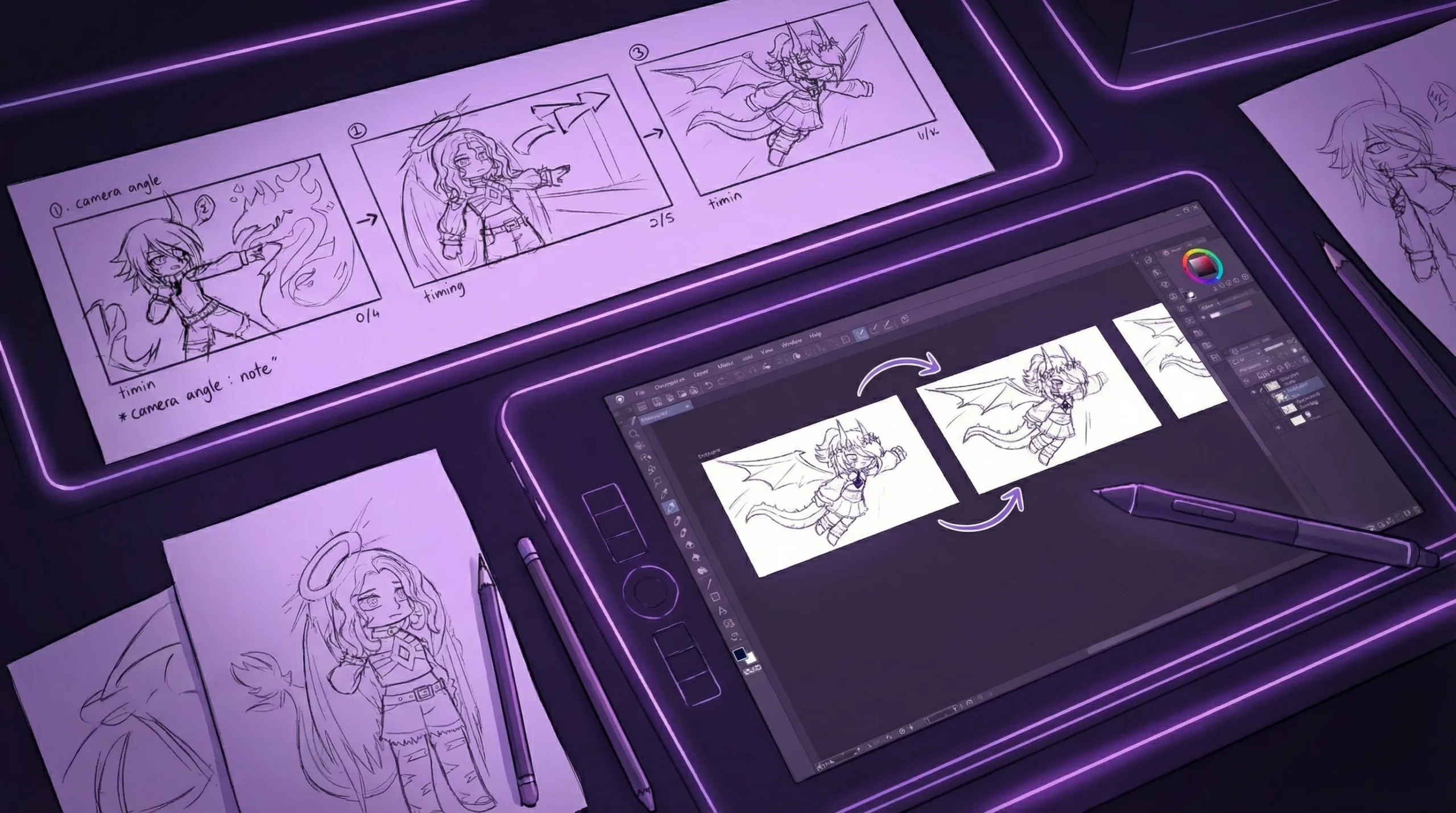
    Animators work with both traditional and digital tools. Hand-drawn boards strengthen fundamentals, while digital software like Storyboard Pro enables fast iteration, timing controls, and collaboration.

    Effective storyboards prioritize readability. Clean compositions, strong silhouettes, and concise notes help teams understand action and emotion instantly without unnecessary detail.

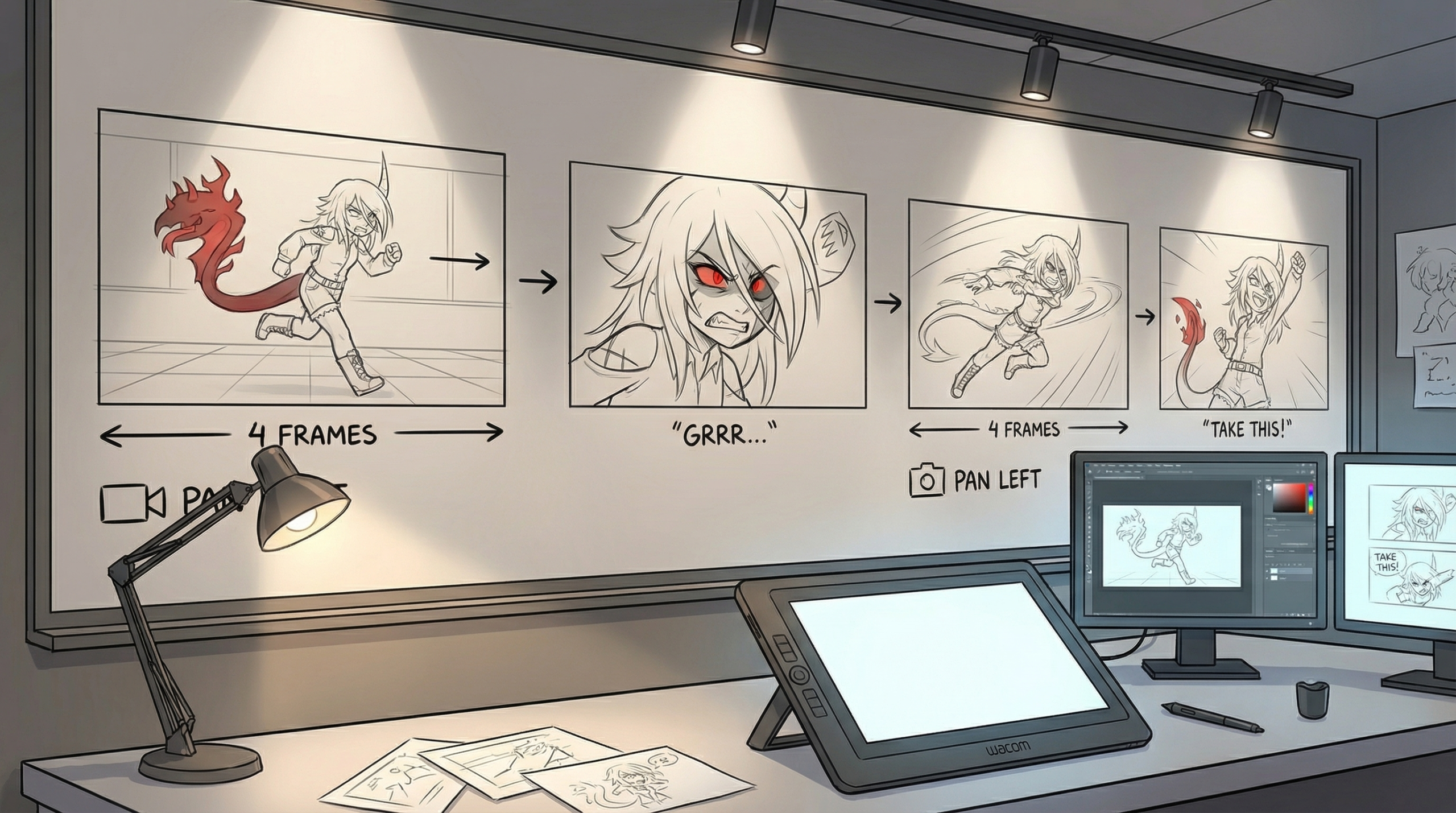
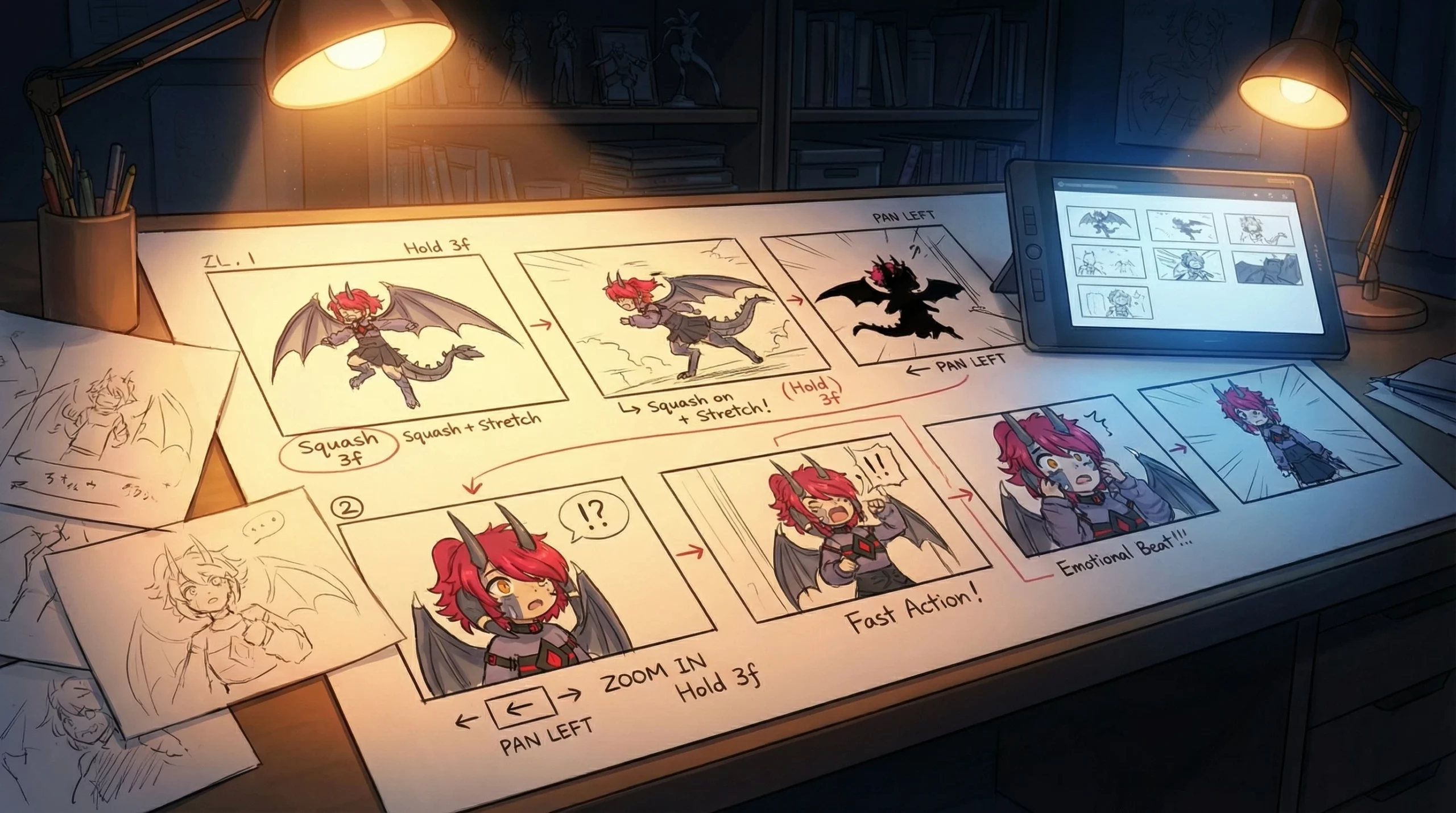
    Timing notes, camera moves, and motion cues are especially important in animation. These guide animators on how scenes should feel, ensuring consistency from storyboard to final frame.

    How Storyboards Shape Final Animation

    Storyboards influence nearly every creative decision downstream. They help define staging, performance, and visual flow before production resources are committed.

    Iteration is essential. Feedback and revisions often lead to stronger storytelling and unexpected creative breakthroughs. Many iconic animated scenes evolved through multiple storyboard passes.

    Even as animation technology advances, storyboards remain indispensable. Tools may change, but clear visual storytelling will always be the heart of animation production.

    FAQs: Storyboarding for Animation

    What is storyboarding in animation?
    Storyboarding is the process of visualizing a script through sequential panels that show shots, action, pacing, and transitions before animation begins.

    Why is storyboarding important for animation?
    It identifies story and pacing issues early, saving time and production costs while keeping teams aligned.

    Do animation storyboards need detailed drawings?
    No. Clarity matters more than polish. Simple sketches communicate ideas more effectively.

    What tools are commonly used for animation storyboarding?
    Studios often use Storyboard Pro, Photoshop, or hand-drawn boards depending on workflow needs.

    How do storyboards affect pacing?
    They define shot length and transitions, allowing creators to test rhythm before animation starts.

    Can storyboards change during production?
    Yes. Storyboards are meant to evolve through feedback and iteration.

  • Tools For Digital Storyboarding

    Tools For Digital Storyboarding

    Digital storyboarding is the modern evolution of visual planning. Instead of locking ideas into static sketches, it gives creators the freedom to rearrange, refine, and experiment with story flow before production begins. For animation, film, and motion projects, it acts as a flexible blueprint that keeps creativity moving without friction.

    Traditional storyboards relied on hand-drawn panels, and while those foundations still matter, digital tools have dramatically changed the workflow. Reordering shots, duplicating scenes, or testing alternate ideas can now happen in seconds instead of hours. That speed allows creators to focus more on storytelling and less on redrawing.

    Digital storyboarding isn’t just about convenience—it improves communication. Directors, animators, and collaborators can clearly see pacing, framing, and transitions early on, reducing misunderstandings and costly revisions later in production.

    Choosing the Right Digital Storyboarding Tools

    The best digital storyboarding tools prioritize clarity and speed. Drag-and-drop timelines, simple drawing tools, and clear annotation features make it easier to communicate ideas without getting lost in unnecessary detail.

    Collaboration is another key factor. Tools that support shared feedback and real-time updates help teams stay aligned, especially in remote or fast-paced production environments.

    Integration also matters. A strong storyboard tool should fit smoothly into your existing pipeline, whether that means exporting images, PDFs, or files compatible with animation and editing software.

    Popular Digital Storyboarding Software

    Different tools serve different creative needs. Lightweight platforms are great for quick planning and education, while illustration-focused apps suit artists who prefer freehand sketching. Professional animation software offers advanced controls for timing, camera movement, and scene structure.

    The right choice depends on your workflow. Some creators value simplicity and speed, while others need production-level precision. Understanding your project’s demands helps narrow the field quickly.

    Best Practices for Digital Storyboarding

    Start with structure. Planning the overall sequence before adding details keeps your storyboard focused and prevents unnecessary complexity.

    Iterate often. Digital storyboards shine when you revisit and refine them. Small adjustments to pacing or framing can dramatically improve clarity and emotional impact.

    Stay organized. Group scenes logically, label panels clearly, and use notes to explain motion or intent. A clean storyboard communicates faster and avoids confusion down the line.

    FAQs: Digital Storyboarding

    What is digital storyboarding used for?
    Digital storyboarding is used to plan scenes, shots, and visual flow before production, allowing creators to test pacing and structure early.

    How does digital storyboarding improve workflow?
    It allows instant edits, fast revisions, and easy collaboration, reducing production delays and miscommunication.

    Is digital storyboarding only for animation?
    No. It’s widely used in film, games, advertising, and content creation wherever visual planning is needed.

    Do digital storyboards need detailed artwork?
    No. Simple sketches and clear notes are enough as long as the idea and motion are easy to understand.

    What features matter most in digital storyboarding tools?
    Scene reordering, annotation, collaboration, and export options are more important than polished drawing tools.

    Can solo creators benefit from digital storyboarding?
    Absolutely. Digital storyboards help individuals organize ideas, test sequences, and stay efficient.

    Why is digital storyboarding important before production?
    It catches pacing, clarity, and storytelling issues early—saving time, effort, and budget later.

    Digital Storyboarding FAQ Schema
  • Essential Storyboarding Techniques For Animators

    Essential Storyboarding Techniques For Animators

    Storyboarding is the foundation of animation. Before a single frame is animated, the storyboard maps out every scene, camera move, and emotional beat. It’s where ideas stop being abstract and start becoming a visual plan that the entire team can follow.

    In animation, storyboards aren’t optional—they’re essential. If something doesn’t work here, it won’t magically work later. Storyboarding lets animators test pacing, composition, and storytelling early, saving time, money, and creative frustration down the line.

    Why Storyboarding Matters in Animation

    Storyboarding for animation began in the 1930s at Disney, and while the tools have evolved, the purpose hasn’t changed. A storyboard breaks the story into clear visual beats, ensuring continuity, clarity, and strong visual storytelling.

    For animators, storyboards act as a bridge between script and motion. They clarify camera angles, character staging, and shot transitions long before animation begins. This keeps production focused and prevents costly rework later.

    Core Storyboarding Techniques for Animators

    Strong storyboards rely on clear framing and readable poses, not polished drawings. Each panel should communicate action, emotion, and intent at a glance. Think of every frame as a frozen moment that tells part of the story.

    Pacing is just as important as composition. Varying shot sizes, holding on key moments, and controlling visual rhythm helps guide how the audience experiences the animation. Smooth continuity between panels ensures the story flows naturally from shot to shot.

    Advanced Animation Storyboarding Methods

    Once the basics are solid, animators can push storyboards further with dynamic camera movement, perspective shifts, and layered depth. Foreground, midground, and background elements help scenes feel dimensional and cinematic.

    Including notes for sound, dialogue, and timing adds another layer of clarity. Indicating music cues, pauses, or key lines helps everyone understand how the scene will feel once animated, not just how it looks.

    Tools and Workflow for Storyboarding

    Animators can storyboard traditionally with pencil and paper or digitally using tools like Toon Boom Storyboard Pro. Traditional methods build strong fundamentals, while digital tools allow fast revisions, easy sharing, and better organization.

    The best workflow is the one that keeps ideas clear and flexible. Storyboards should stay loose and editable, focusing on storytelling rather than perfect artwork. Clarity always beats detail at this stage.

    Common Mistakes to Avoid

    One of the biggest mistakes is over-detailing panels. Storyboards aren’t finished animation—they’re a communication tool. Overloading frames with unnecessary detail can slow production and obscure the story.

    Another pitfall is ignoring feedback. Storyboards are meant to be reviewed, adjusted, and improved. Early collaboration strengthens the final animation and helps catch weak moments before production begins.

    FAQs

    Q: What is storyboarding in animation?
    A: Storyboarding is the process of planning an animation visually by breaking the story into sequential panels that show shots, action, and timing.

    Q: Why is storyboarding important for animators?
    A: It helps animators plan pacing, composition, and continuity while identifying problems early before animation begins.

    Q: Do storyboards need detailed drawings?
    A: No. Clear, readable sketches that communicate action and intent are more important than polished artwork.

    Q: What tools do animators use for storyboarding?
    A: Animators use pencil and paper or digital tools like Toon Boom Storyboard Pro, depending on workflow and project needs.

    Q: Can storyboards include sound and dialogue notes?
    A: Yes. Adding notes for sound, dialogue, and timing improves clarity and helps guide animation and editing.

    Storyboard FAQ Schema
  • Storyboarding 101: Getting Started

    Storyboarding 101: Getting Started

    Storyboarding for Animation

    In animation, storyboarding is where everything truly begins. Before characters move, before dialogue is recorded, and before a single frame is animated, the storyboard lays down the visual backbone of the story. It’s the bridge between script and motion, turning ideas into clear, readable sequences.

    Think of an animation storyboard as a moving blueprint. Each panel captures framing, camera movement, acting beats, and emotional timing. Without it, animation risks becoming expensive guesswork instead of a controlled creative process.

    Why Storyboarding Is Essential for Animation

    Animation is built frame by frame, which means mistakes are costly. Storyboarding allows animators and directors to plan pacing, staging, and transitions long before production begins. This keeps teams aligned and prevents wasted effort later in the pipeline.

    Strong storyboards help solve problems early. Awkward cuts, unclear action, or emotional beats that don’t land can all be fixed on paper instead of during animation. It’s faster, cheaper, and far more flexible.

    Tools for Animation Storyboarding

    Many animators still start with pencil and paper. Rough sketches keep things loose and focus attention on motion and storytelling rather than clean lines. This approach is especially useful during early ideation and pitch stages.

    Digital tools, however, dominate modern animation workflows. Software like Storyboard Pro allows for camera moves, timing notes, dialogue placement, and easy revisions. These tools are ideal for teams, remote collaboration, and tight production schedules.

    The best tool is the one that helps you communicate clearly. Whether analog or digital, storyboards should prioritize clarity, rhythm, and intent over polish.

    How to Create an Animation Storyboard

    Start by understanding the purpose of the scene. What needs to happen emotionally and visually? Once that’s clear, sketch key poses and camera angles that communicate the action.

    You don’t need detailed drawings. Simple shapes and strong silhouettes are enough as long as the movement reads clearly. Each panel should show progression—something changes from frame to frame.

    Include notes for timing, dialogue, sound effects, and camera direction. These details help animators, editors, and sound designers stay in sync throughout production.

    Best Practices for Animation Storyboards

    Clarity always comes first. If someone unfamiliar with the project can follow the story just by looking at the boards, you’re on the right track. Avoid overcrowding panels or overexplaining with text.

    Use composition and camera language intentionally. Wide shots establish space, close-ups highlight emotion, and dynamic angles add energy. These choices shape how the audience experiences the animation.

    Iteration is part of the process. Storyboards should evolve as the story improves. Revising early saves time and leads to stronger final animation.

    FAQs

    Q: What is storyboarding in animation?
    A: Storyboarding in animation is the process of planning scenes visually through sequential drawings that show action, camera movement, and timing.

    Q: Why are storyboards important for animation?
    A: They help plan pacing, staging, and storytelling before animation begins, saving time and preventing costly mistakes.

    Q: Do animation storyboards need detailed drawings?
    A: No. Clear poses, strong silhouettes, and readable action matter more than clean or detailed artwork.

    Q: What software is commonly used for animation storyboards?
    A: Tools like Storyboard Pro are widely used, though many animators still sketch traditionally before moving digital.

    Q: Can storyboards change during production?
    A: Yes. Storyboards are meant to evolve as the story improves and creative decisions are refined.

    Animation Storyboarding FAQ Schema